Your smart lights flicker off mid-Zoom call. Alexa hears “lights off” and turns them on instead. The CCTV feed buffers right when you actually need it.
If any of that sounds familiar, you’re not alone — and you’re not doing anything wrong. As more Bangalore homes add automated lighting, smart locks, security cameras, voice assistants, and connected entertainment systems, a new set of everyday glitches has come with them: Wi-Fi drop-offs, unresponsive devices, voice commands that misfire, security systems that go quiet at the worst moment, and automations that just… stop.
The good news? Most of these problems come down to a handful of root causes, and most are fixable with the right planning, networking, and a bit of know-how.
This guide walks through the five smart home issues we see most often in Bangalore homes, and what actually fixes them.
Most Common Smart Home Issues and Practical Ways to Fix Them
A reliable smart home is not simply a collection of connected devices. It is an integrated ecosystem where smart home automation, networking, lighting, security, and control systems work together.
Here are five common problems Bangalore homeowners may encounter.
1. Smart Home Wi-Fi Connectivity Problems: Causes and Solutions
This is the issue we hear about most. Smart lights, cameras, sensors, TVs, and locks all lean on one thing: a stable network. And in a lot of Bangalore homes, especially larger apartments and villas, a single router just isn’t built to cover every room.
Add in thick concrete walls, multiple floors, and the network congestion that comes with a crowded apartment complex during peak hours (or a monsoon-related outage), and it’s no surprise devices start dropping off.
What’s usually behind it:
- Weak Wi-Fi signal in certain rooms
- Too many devices competing for bandwidth
- Poor router placement
- Network congestion (common in dense apartment buildings)
- Thick walls or multi-floor layouts
- Outdated networking equipment
- Incorrect device configuration
How to fix it:
A properly designed smart residential network, strategically placed access points, network segmentation, and wired connections for critical devices, solves most of this permanently, instead of you resetting the router every other week.
| Problem | Possible Cause | Practical Fix |
| Smart devices frequently disconnect | Weak Wi-Fi | Improve access-point coverage |
| Camera feed buffers | Network congestion | Use stronger networking infrastructure |
| Devices work only near router | Poor coverage | Add strategically positioned access points |
| Automation becomes unreliable | Unstable network | Review network architecture |
For larger villas, it’s worth wiring critical devices, security cameras, automation controllers, directly wherever possible. Wired connections don’t fight for bandwidth the way Wi-Fi does.
2. Smart Devices Not Responding? Common Automation Issues and Fixes
Another frequent issue is a smart device becoming unresponsive. A smart switch may fail to operate, an automated curtain may stop midway, or a lighting scene may not activate correctly.
This can happen because of:
- Power interruptions
- Network disconnection
- Device firmware issues
- Controller communication problems
- Incorrect automation settings
- Compatibility issues between devices
What homeowners can check
- Check whether the device has power.
- Confirm that the home network is working.
- Restart the affected device if appropriate.
- Check the automation application for error messages.
- Verify whether other connected devices are functioning.
A professionally designed smart home automation system should also include appropriate device compatibility testing before installation.
3. Smart Home Voice Control Problems: Alexa, Google Home & Voice Commands
Voice control makes smart homes convenient, but voice assistants can occasionally misunderstand commands or fail to control connected devices.
Common examples include:
“Turn on the living room lights” not triggering the expected lighting scene.
Common reasons
- Poor microphone placement
- Incorrect device names
- Internet connectivity issues
- Duplicate device names
- Unsupported integrations
- Incorrect voice-assistant configuration
How to improve voice control
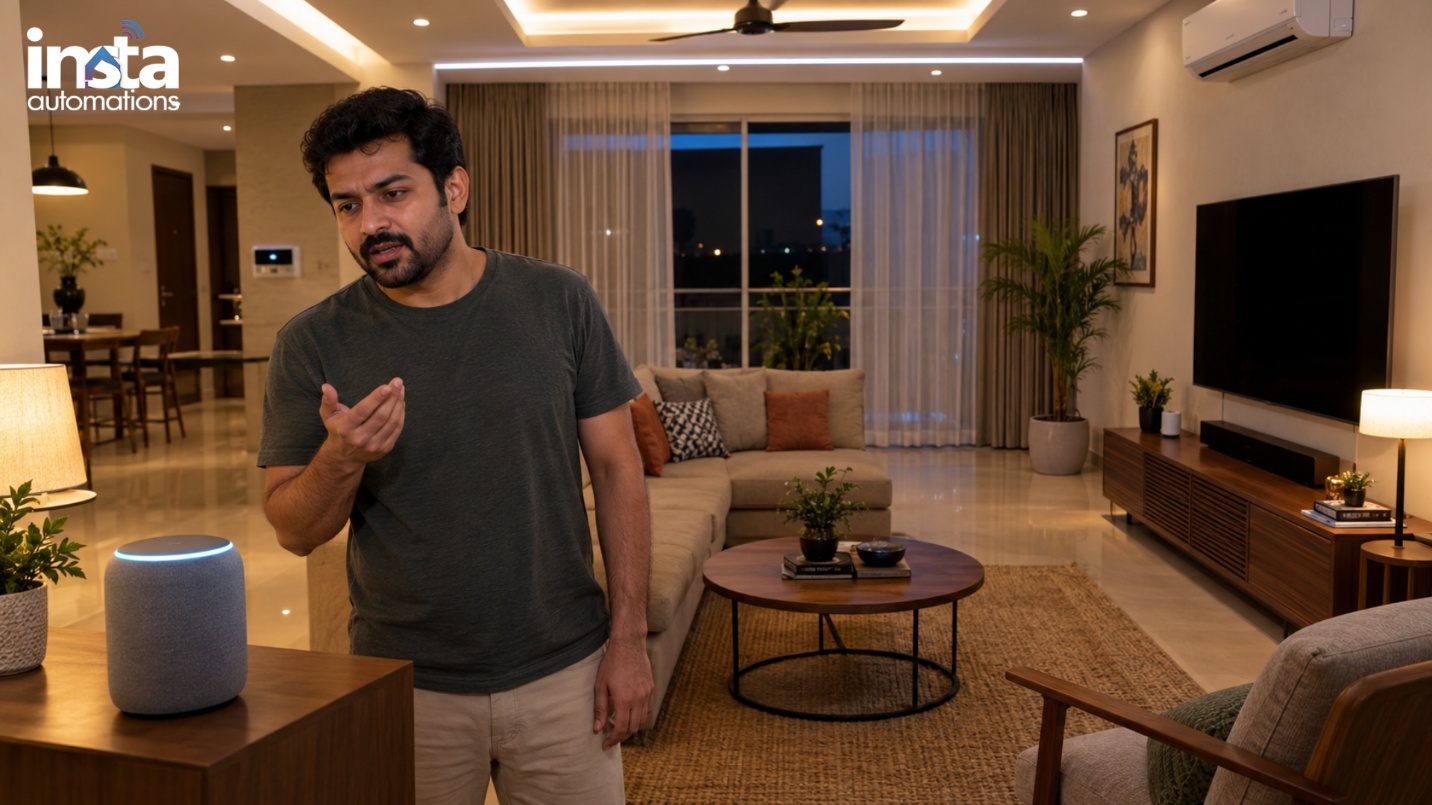
Use simple and unique device names such as Living Room Lights, Master Bedroom AC, or Villa Entrance Light.
4. Smart Home Security System Issues: Cameras, Sensors & Smart Locks
Security is one of the most important applications of home automation. Bangalore homeowners increasingly use smart home security systems, CCTV cameras, motion sensors, video doorbells, smart locks, and access-control solutions.
However, security devices can face problems such as camera disconnection, delayed notifications, sensor false alarms, or smart-lock connectivity failures.
| Security Device | Common Issue | Recommended Approach |
| CCTV Camera | Offline or delayed video | Check network and power |
| Motion Sensor | False alerts | Review placement and sensitivity |
| Smart Lock | Connectivity failure | Check power, network, and integration |
| Door Sensor | Incorrect status | Inspect alignment and battery |
For apartment and villa security solutions, critical security devices should be planned around reliable networking, backup power considerations, appropriate device placement, and secure access management.
Security systems should not be treated as standalone gadgets. They should form part of a properly planned residential security ecosystem.
- Smart Home Automation Not Working Properly? When to Troubleshoot or Call an Expert
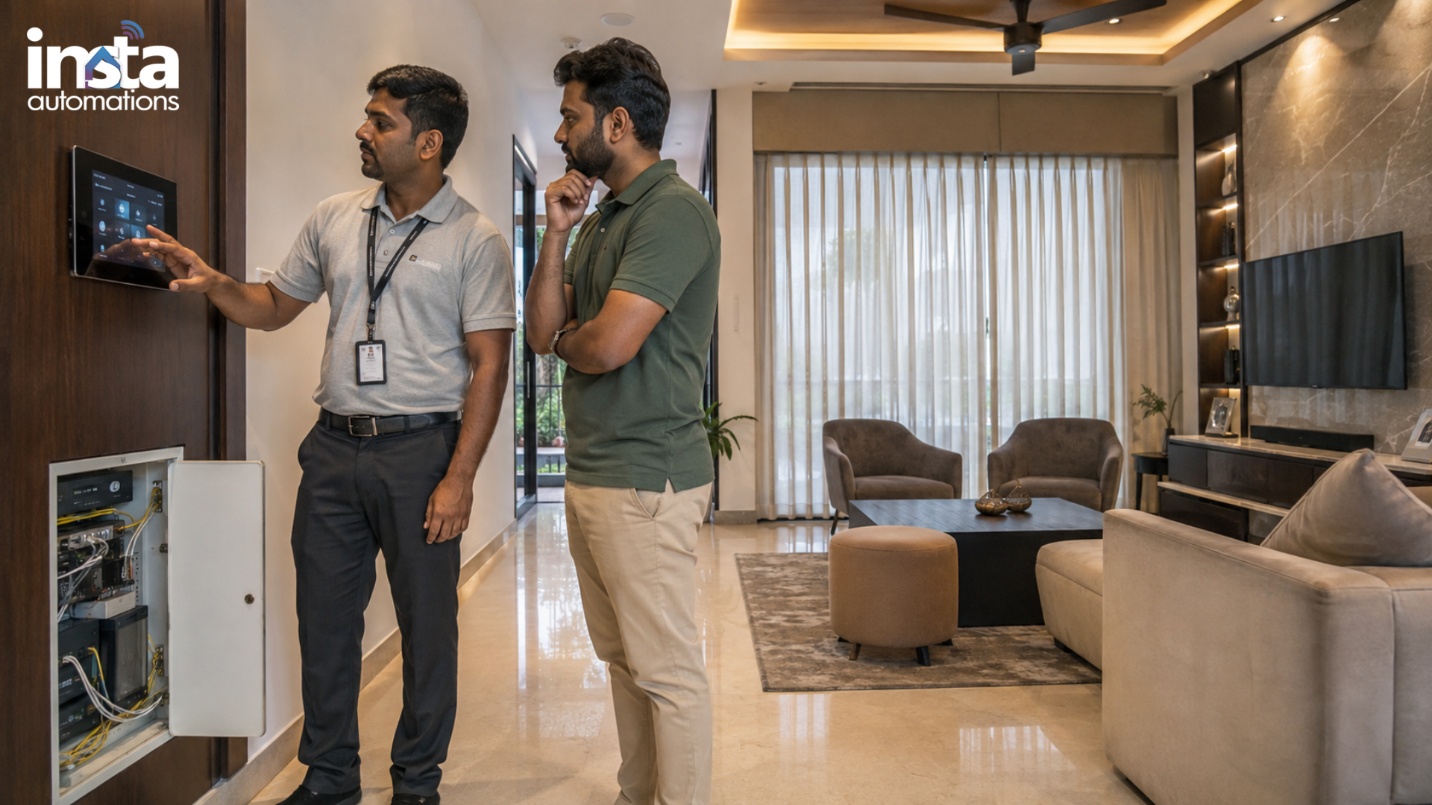
Some smart home issues are simple enough for homeowners to troubleshoot. Others may indicate a deeper problem with the automation architecture.
Homeowners can usually try:
- Restarting the affected device
- Checking power connections
- Checking Wi-Fi availability
- Reviewing automation schedules
- Updating applications or device firmware
- Checking batteries in wireless sensors
Professional assistance is recommended when:
- Multiple devices stop working simultaneously
- Automation scenes repeatedly fail
- Security devices frequently disconnect
- Smart locks behave unpredictably
- Network coverage is consistently poor
- New devices cannot integrate with the existing system
- The problem returns after repeated resets
| Situation | DIY Troubleshooting | Professional Support |
| Single smart bulb offline | ✓ | |
| Weak Wi-Fi throughout villa | ✓ | |
| One sensor battery issue | ✓ | |
| Multiple automation scenes failing | ✓ | |
| Smart-lock integration problem | ✓ | |
| Complete residential automation planning | ✓ |
Professional troubleshooting can identify the actual root cause instead of repeatedly resetting individual devices.
Build a More Reliable Smart Home with the Right Automation Solutions
A smart home should make everyday life simpler, safer, and more comfortable—not more complicated.
The foundation of reliable home automation is proper planning. Smart Home Automations, Smart Home Security Systems, Smart Residential Networking, Smart Home Lighting, and Apartment & Villa Security Solutions should be designed as connected components of one residential ecosystem.
Before installing or upgrading your smart home, consider:
- Reliable residential networking
- Compatible automation devices
- Proper device placement
- Security and privacy considerations
- Professional installation
- Future scalability
- Regular maintenance and troubleshooting
For Bangalore homeowners, working with an experienced smart home automation company can help create a system designed around the property’s layout, lifestyle, security requirements, and future needs.
Make Your Home Smarter. Make Life Simpler.
From automated lighting and smart security to seamless home networking, Insta Automations helps Bangalore homeowners build connected, secure, and reliable homes.
Talk to our smart home experts today and start planning your automation solution
Frequently Asked Questions
Why do smart home devices frequently disconnect?
Unstable Wi-Fi, poor network coverage, router limitations, interference, or device configuration problems can cause frequent disconnections. A properly planned residential network can significantly improve reliability.
Why are my smart lights not responding?
Check the power supply, Wi-Fi connection, application, device status, and automation settings. If multiple lights fail simultaneously, the issue may be related to the automation controller or network.
Can smart home automation work during an internet outage?
It depends on the system architecture. Some locally controlled automation functions can continue operating without internet access, while cloud-dependent features may be unavailable.
How can I improve smart home security?
Use strong passwords, secure networks, updated firmware, appropriate access permissions, reliable cameras and sensors, and professionally configured smart locks and security systems.
Is professional installation necessary for a smart home?
Simple individual devices can often be installed by homeowners. However, integrated automation involving networking, security, lighting, access control, and multiple devices benefits from professional planning and installation.